Login
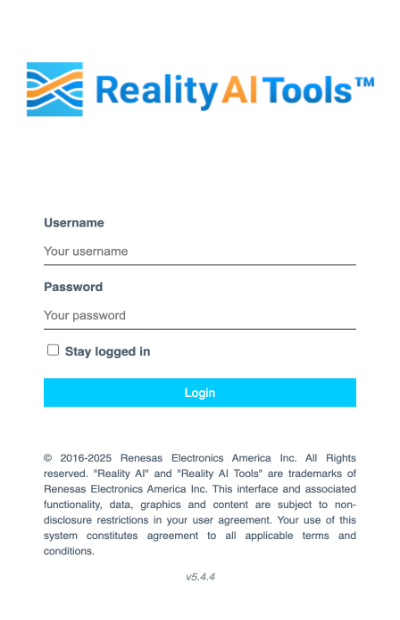
Follow these steps to log in to the Reality AI Tools portal:
- Open your preferred browser and go to portal.reality.ai.
- Enter the Username and Password provided via email.
If you haven’t received them, check your spam folder or contact our support team. - (Optional) Select the Stay logged in checkbox to save credentials securely in your browser.
- Click Login to access Reality AI Tools.
NOTE
If you haven’t received your credentials or forgot your username or password, visit our support page at Renesas Support for assistance.