Building and Running a Project
- Click the Build (hammer) icon to build the project.

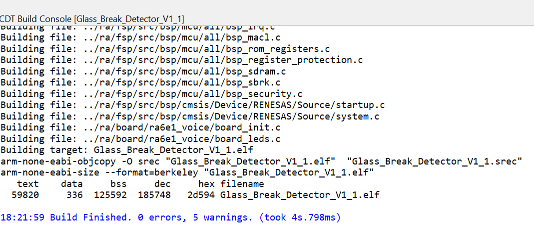
Expected Output: A successful build produces a confirmation message saying Build Finished.
-
Click the Debug icon (green bug icon) to run the project in debug mode.
-
Press Resume twice to pass through the breakpoints.